The following advice applies to Overlay Flows only. For Inline Flows, read this article about adjusting the Video Fit inside the Player
Sometimes you might want to use a widescreen or landscape video in the Overlay Player so the content is entirely visible to the website visitor.
The ReelFlow player always works best when displaying landscape talking-head video content, where the subject of the video is centred in the frame, like a person talking to camera. Landscape videos will be automatically "cropped" from the left and right as the Player responsively resizes to fit wider (desktop) and narrower (mobile) screens.
For Overlay Flows, to ensure full visibility of landscape video content at all times requires you to manually resize and position the content within the frame, using a video editor (we recommend VEED).
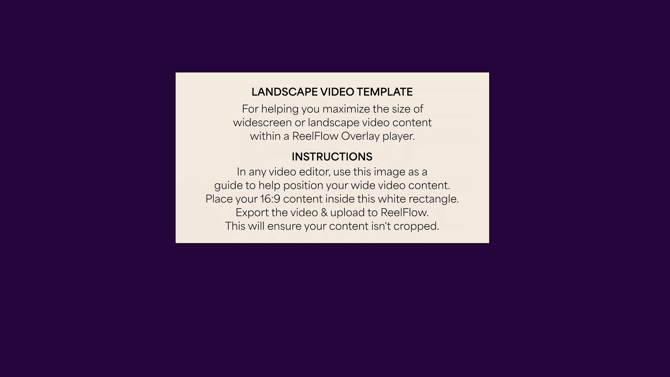
Save and use the template image below as a guide to position your widescreen video footage in the frame, and this will maximise it’s dimsions to fill the Overlay player.
Save the template image below to your device, and follow the instructions written on the image.
Download this Template Image (right click and save image)