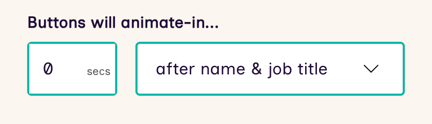
You can control when the buttons will animate-in and appear during any video.
How to change button appearance timings
-
Open the Flow in the Flow Builder, choose Edit
-
Select the Step from the canvas, the Step Settings flyover will open
-
Adjust the Buttons will animate in... value
- Preview to see your changes, then Publish